Counter POS
Take dine-in and takeaway orders from a searchable dish grid with photos and categories.
For restaurants, cafes and hotels
GiveMyMenu is a free restaurant POS that runs in your browser. Take counter and table orders, send them to a kitchen display and print bills from a laptop, tablet or phone. The Free plan covers one location with up to 10 tables and 2 staff logins, with no card and no end date.
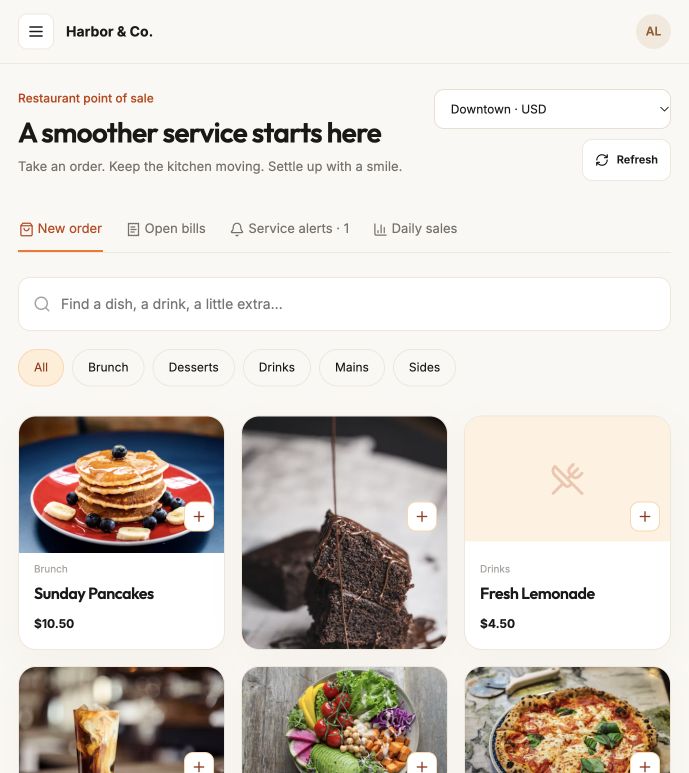
Take dine-in and takeaway orders from a searchable dish grid with photos and categories.
Each table gets its own QR code. Guests order from their phone, straight onto the table bill.
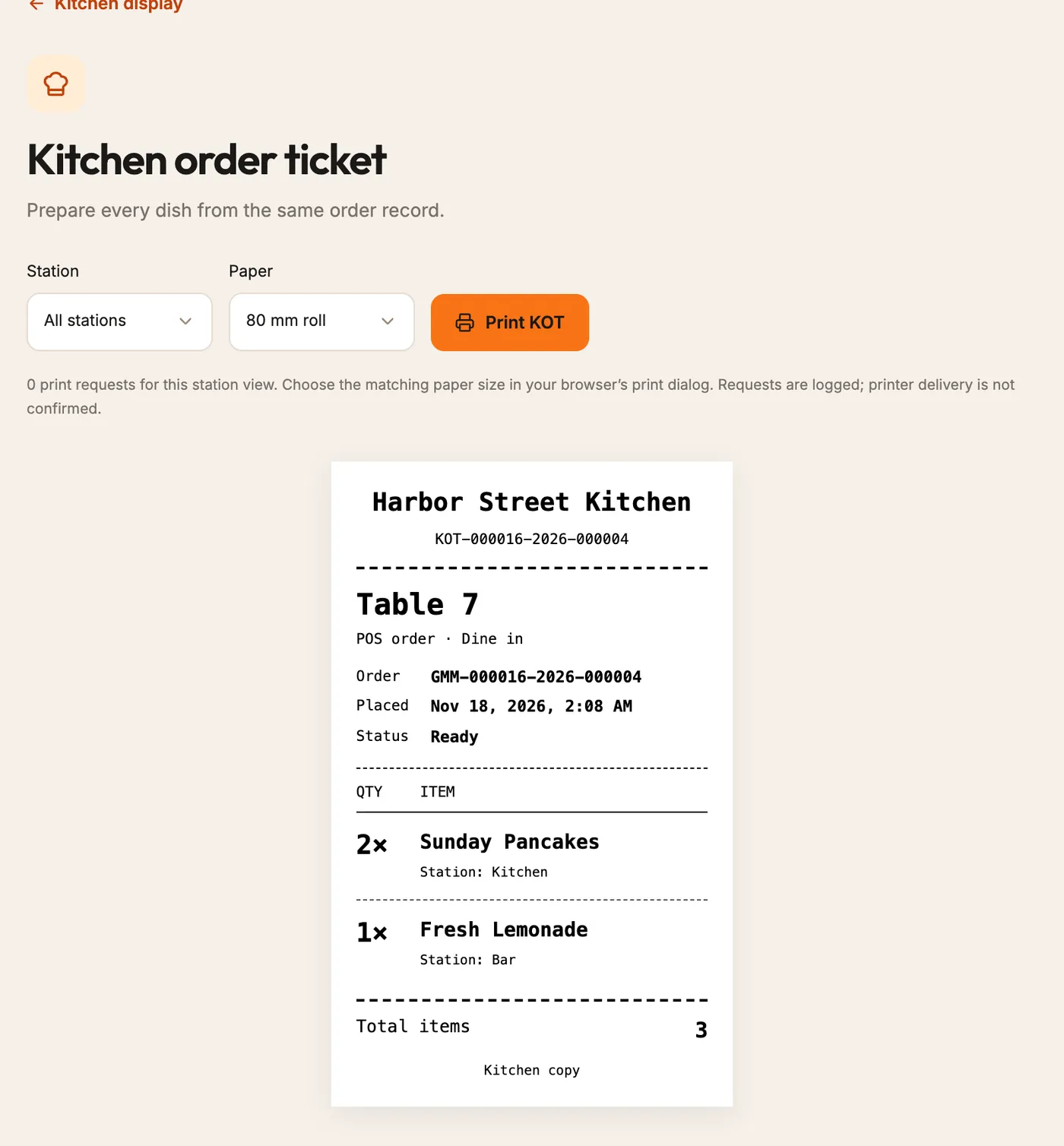
Counter and table orders land on one kitchen screen, with a printable KOT for every order.
Bills add your tax and service charge. Record cash and card-terminal payments as you receive them.
Give each person their own account with the right role, from owner to cashier and kitchen.
Change prices, add photos and mark dishes sold out; the POS and every QR menu update at once.
Yes. The Free plan has no expiry date and needs no card. It covers one location with up to 10 tables and 2 staff accounts.
No. GiveMyMenu records cash and external card-terminal payments when you receive them. It does not charge guests’ cards.
A laptop, tablet or phone with a browser. Any printer your computer can print to works for KOTs and receipts.
No. It runs in the browser and needs a working internet connection. Keep a backup connection and a paper fallback for outages.
Table PINs, inventory, branding, detailed reports, guest reviews, and more tables, staff and locations. New accounts get 90 days of Pro features to try them first.
Set up a few dishes and follow an order through to the kitchen and the bill. The Free plan needs no card.