Running the business · Nepal guide
Restaurant software cost in Nepal: what you actually pay
What restaurant software really costs in Nepal: licences, setup, hardware, printers, internet, IRD billing, commission and renewals, with questions to ask.
Restaurant software in Nepal is sold in very different ways: a one-time licence with a yearly maintenance fee, a monthly or yearly subscription, a price per counter or per user, or a cut of every order. Two quotes that look far apart can cost the same over a year, and a cheap quote can become expensive once setup, hardware and renewals are added. This guide lists every cost to ask about, so you can compare like with like.
The four ways software is priced
- One-time licence: you pay once for the software, then usually a yearly maintenance or support fee (often called AMC). Ask what happens to updates if you stop paying it.
- Subscription: a monthly or yearly fee that includes updates and hosting. Ask whether it renews automatically and how much notice you get of a price change.
- Per counter, per device or per user: the price grows with your team. Count every phone, tablet and login you will actually use.
- Commission: a percentage of each order. It looks small, but it grows with your sales and never stops.
Costs beyond the plan price
- Setup and menu entry: some vendors charge to install the software and type in your menu.
- Training: ask whether it is included and whether new staff can be trained later.
- Hardware: a dedicated terminal, a tablet for the kitchen, a receipt or KOT printer, a cash drawer and paper rolls.
- Internet and power: a reliable connection, mobile data as a backup and a UPS for the router and counter device.
- Extra branches: a second location is often a new licence or a higher plan.
- IRD-approved billing: if your accountant says your tax invoices must come from approved software, include its cost even if you use another system for orders.
- Changes later: new reports, extra users or custom bill formats can be charged separately.
Work out the cost for a full year
Ask every vendor for a written quote that covers twelve months for your actual setup: your number of counters, kitchen screens, staff logins and branches. Add the one-time costs, the yearly fees and any hardware you would have to buy. Then do the same for year two, because a low first-year price with a high renewal is common. If one vendor takes a commission, multiply it by a normal month’s sales to see what it really costs.
Hardware you can avoid buying
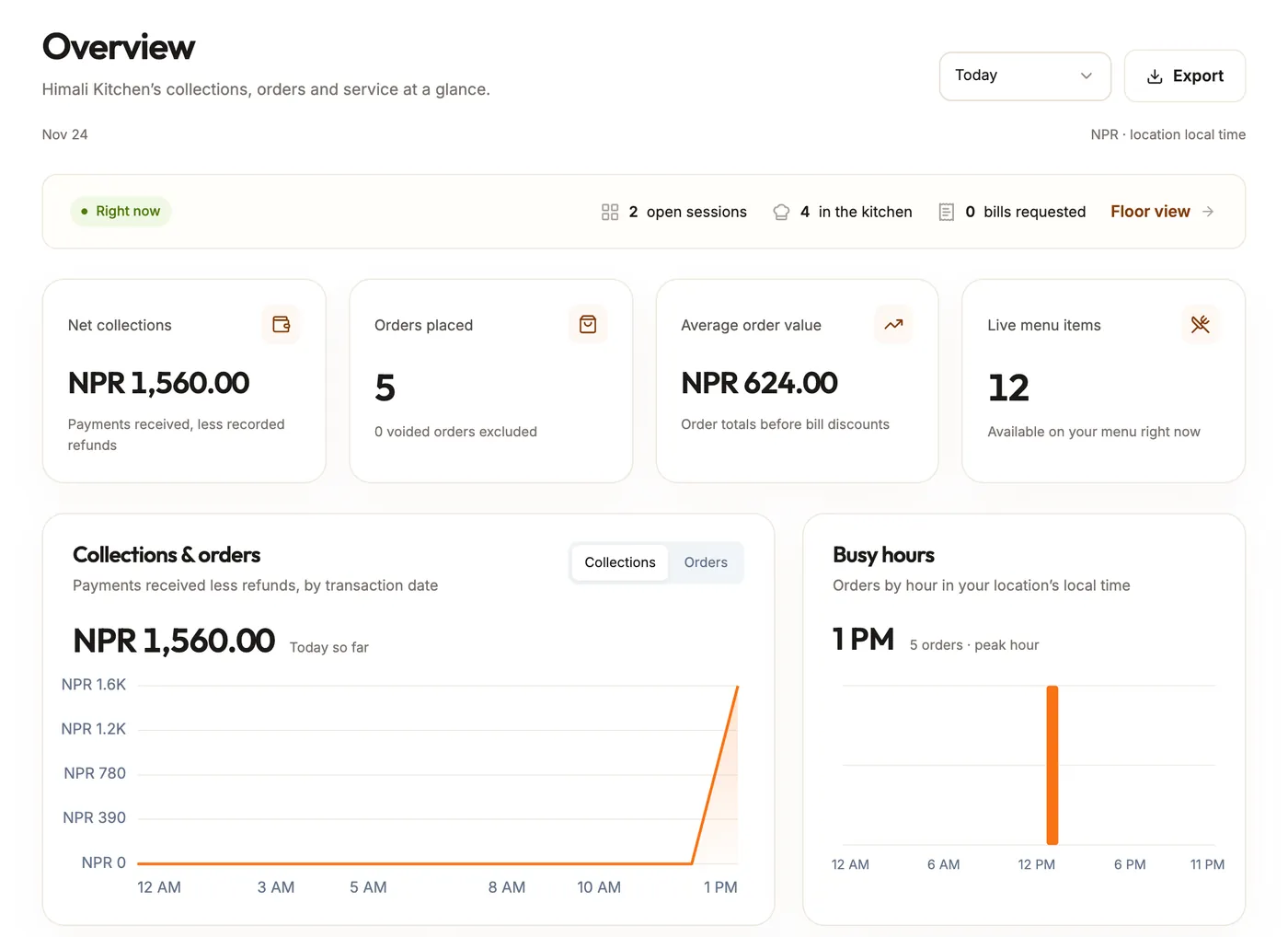
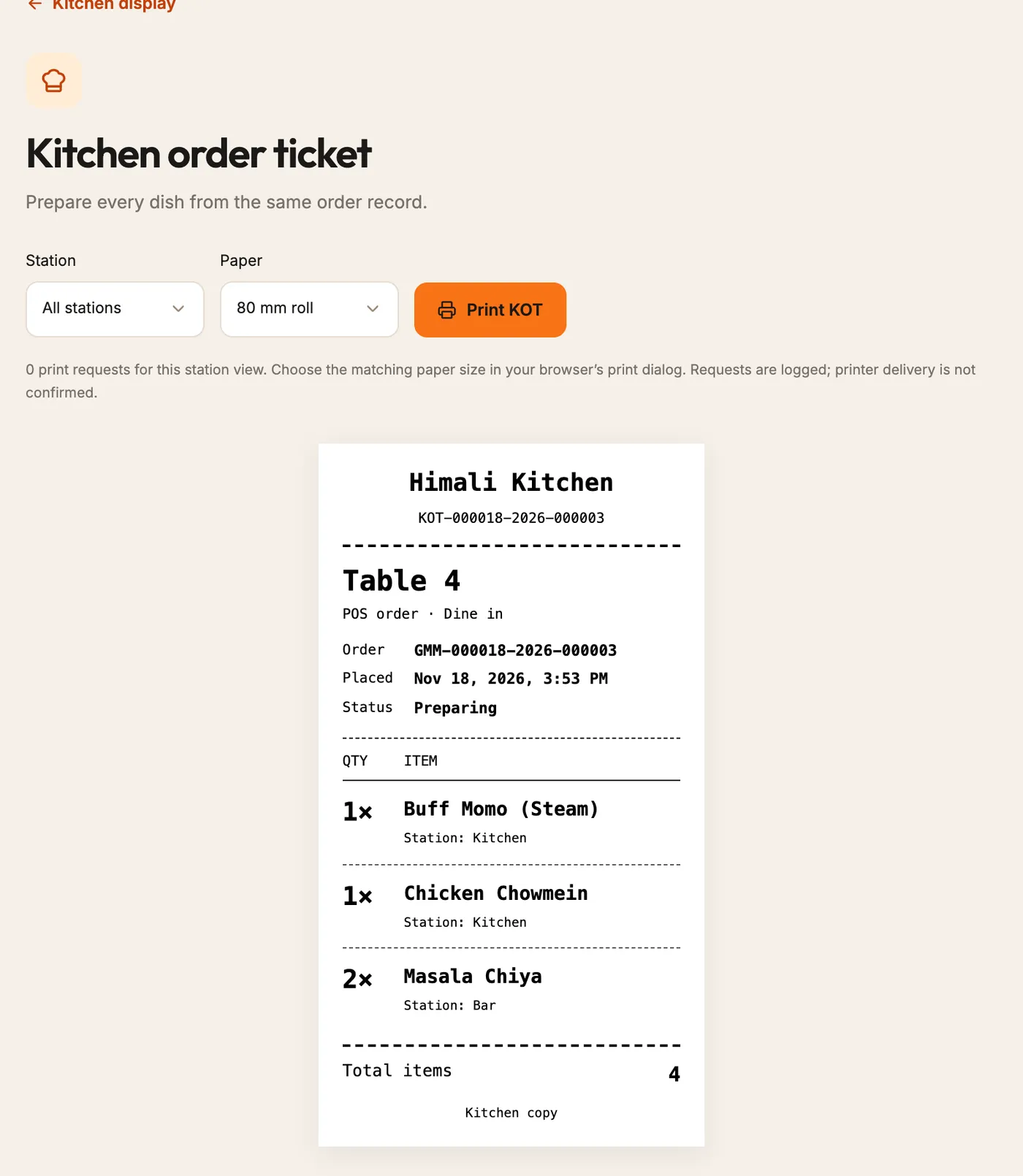
Software that runs in a web browser works on the phones, tablets and laptops you already have, so the counter and the kitchen screen may cost nothing extra. Printing is the part to test: try your own receipt or KOT printer with a real order during the trial, and check the paper width, the print speed and whether staff can reprint a ticket. Only buy hardware once you know what the software needs.
Paying in rupees
Check that the price is in NPR and that you can pay the way you prefer. Card payments in foreign currency can add bank charges and exchange rate costs, and some international cards are hard to use from Nepal. Paying with eSewa or Khalti in rupees avoids that. Ask too whether a plan renews by itself; a plan that does not auto-renew will not charge you after you stop using it.

Questions to ask before you pay
- What is the total for the first year and for the second year?
- Is setup, menu entry and training included?
- How many counters, staff logins and branches does the price cover?
- Does it work on my own phones, tablets and printer?
- Is there a commission on orders?
- Is the price in NPR, and can I pay with eSewa or Khalti?
- Does the plan renew automatically, and how do I cancel?
- Can I try it free with my real menu first?
How GiveMyMenu is priced
GiveMyMenu is a subscription with no commission on orders. The Free plan has no expiry and needs no card: one location with the QR menu, POS, kitchen display, KOT and receipt print views, payment recording and staff roles, for up to 10 tables and 2 staff logins. New accounts get 90 days of Pro features to try table PINs, stock, branding, detailed reports and guest reviews. Paid plans are priced in NPR, paid with eSewa or Khalti by the month or the year, and do not renew automatically. It runs in the browser, so it works on the devices you already own.
Remember what it does not include. GiveMyMenu is not IRD-approved billing software, so a restaurant that must issue IRD tax invoices still needs an approved system. It also does not process guest payments or keep your accounts. Count those costs when you compare it with a system that bundles them.
Try it with your restaurant menu
Set up a few dishes and follow an order through to the kitchen and bill.